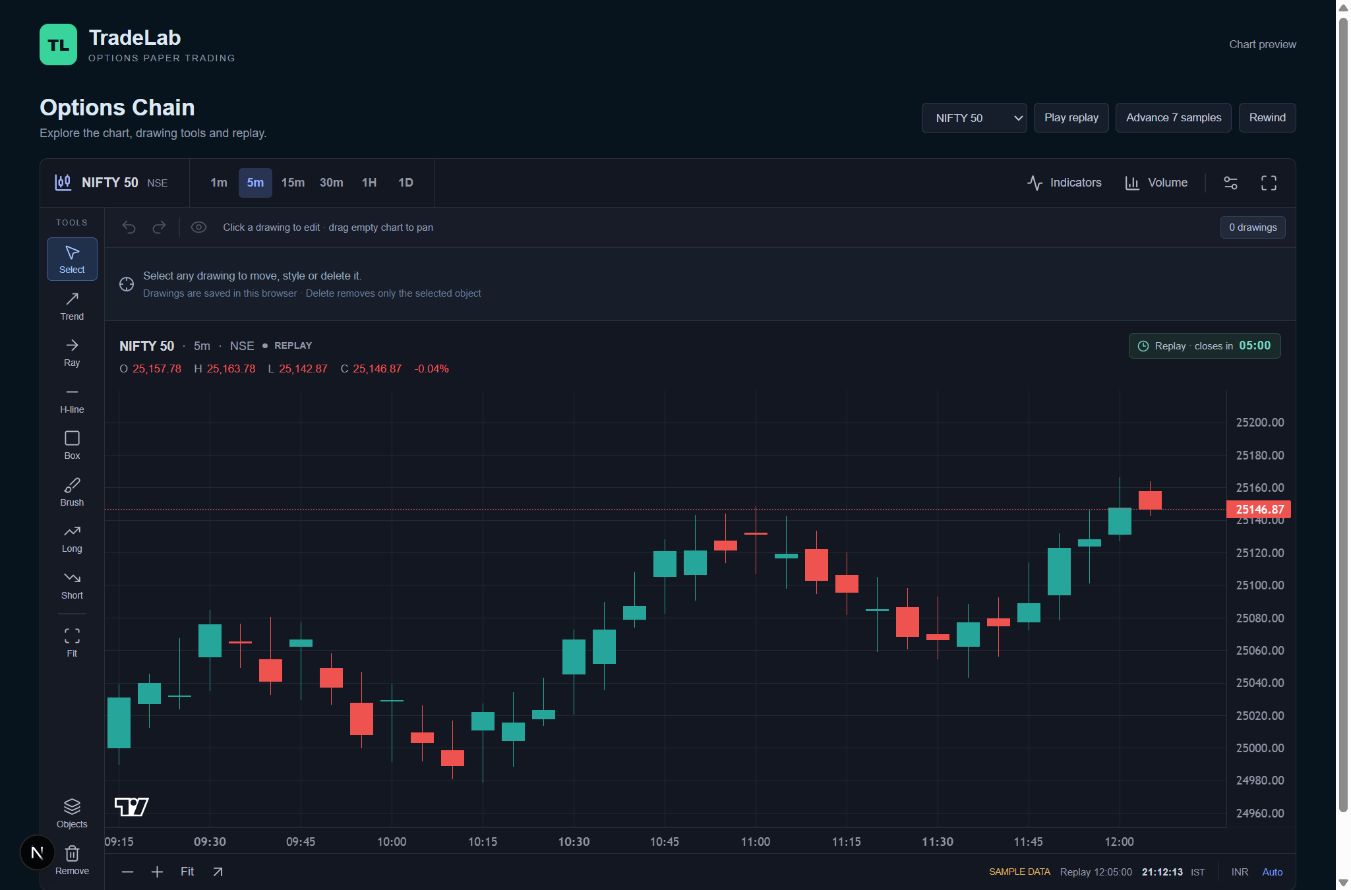
Choose an available recording
Start with a supported market and a recorded date shown in the replay interface. Historical coverage depends on data that is available or has been stored. TradeLab does not promise every past date, expiry or option contract.
Control the session
Use the available playback controls to move through the recording. Pause to study a setup, continue the session and observe what comes next. The replay time and candle countdown follow the recording; the separate IST clock shows the current time.
Keep the accounts separate
Replay positions, orders and virtual funds belong to the replay account. Check the mode before placing an order, and review the corresponding account afterward. This separation lets you revisit a session without confusing it with your live paper practice.
Review the decisions
Use the chart, orders and P&L together to review your actions. Recorded snapshots may not contain every intraperiod market movement. A replay result is a simulation using the available data, not evidence of how a real order would have filled.
Common questions
Why is a date or contract missing?+
Its recorded data may not be available. Choose from the sessions shown in the app.
Does replay affect my live paper balance?+
Replay uses its own virtual account. Always check the active trading mode in the workspace.